Pager

Plays a sound when Claude finishes, needs you or hits an error.
62 passingnone13Get an alert when Claude finishes or needs you
Pager provides completion, needs-input and error alerts through toasts, macOS sounds and optional phone push. It is useful when a long task does not need your constant attention.
When to use it
- Hear when a long Claude turn finishes on macOS.
- Notice an input request or error while working in another window.
- Opt into a phone alert without sending prompt or project contents.
Try it in your session
Check the current pack, mute state and alert configuration.
/pager statusChoose the zen sound pack.
/pager pack zenTest the three sounds. This command plays even while muted, so check your volume first.
/pager testMute sound and phone push for 30 minutes. /pager unmute restores them; toasts are not suppressed.
/pager mute 30m
Choose the behavior
In /config, choose Pager. Leave minDuration at its default for completion sounds; needs-input and errors are not gated by that duration. Set quietHours to 22:00-07:00 if wanted. Leave ntfyTopic empty to keep phone push off, then verify with /pager status.
minDurationReviewed default:20- Seconds before a done sound is eligible.
quietHoursReviewed default:(empty)Example choice:22:00-07:00- An optional local-time window for no sound or phone push.
ntfyTopicExample choice:(empty)- Phone push is off. If enabling it, choose your own long, unguessable topic.
Where it works
Sound uses afplay on macOS. Linux and Windows can still use toasts and optional ntfy push, not this sound path. An attached surface is required; there are no headless alerts.
Check current platform versions and installation guidanceKnow the limits
- No model calls of its own. Optional phone push makes a network request with fixed event text and duration, not prompt or project contents.
- Anyone who knows an ntfy topic can subscribe. Do not use a real topic in shared examples.
- Mute and quiet hours do not suppress toasts. The test command intentionally plays sounds even while muted.
Reviewed version 0.1.1, source reviewed 2026-10-15. Read the pinned README (8628e8f). This walkthrough describes that version, not a new live Claude Code test. Catalogue updates may describe a newer version.
Try a complete workflow
How it works
Slash commands
/pagerSound alerts: switch pack, test, mute or unmute
Settings
minDurationDefault:20- Skip the done sound for turns shorter than this. Errors and needs-you always page.
quietHoursDefault:- No sound or phone push in this local time window, e.g. 22:00-07:00 (it may wrap midnight). Empty means off.
ntfyTopic- Also send each alert to https://ntfy.sh/<topic> as one HTTPS POST with a fixed title and short text, never conversation content. Empty means off.
Hook events
The prompt
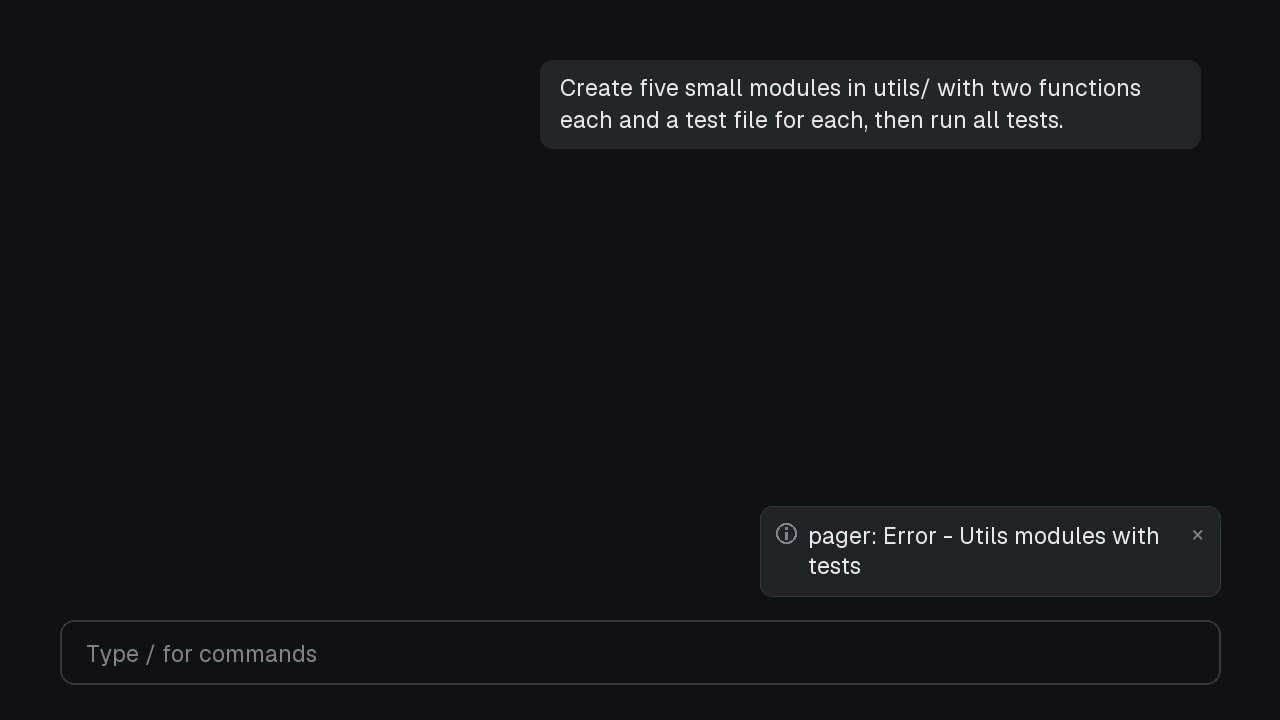
Build me a Claude Code mod called "pager" that tells me with sound when Claude needs my attention, so I can look away while it works. What it does- Three events, three sounds: done (a turn finished), needs you (Claude is waiting on a permission or a question for me) and error (a turn ended on a failure).- A toast with the session name accompanies each sound.Details
Plays a sound when Claude finishes, needs you or hits an error.
Look away while Claude works. Pager plays one short sound, with a toast naming the session, when:
- done - a turn finished and it ran at least
minDurationseconds (quick back-and-forth stays quiet), - needs you - Claude is waiting on a permission prompt, a question, a plan approval or an MCP input request,
- error - a turn ended on an API error or a refusal.
Use it
| Command | What it does |
|---|---|
/pager | Shows the pack, whether sounds are on, and your settings. |
/pager pack <classic|arcade|zen|butler|coach> | Switches the sound pack. /pager pack alone lists them. |
/pager test | Plays all three sounds of the current pack, one after another (even while muted). |
/pager mute <duration> | Silences sounds and phone pushes for 30m, 2h, 1h 30m, 45s or 1d (up to 7 days; a bare number is minutes; no duration means 1 hour). |
/pager unmute | Ends a mute early. |
/pager runs at once, even while a turn is running, so you can mute mid-turn. Its answers show as a toast and stay out of the conversation, so Claude never reads them and they cost no tokens. Only you can change Pager: a /pager run that comes from a peer session, a channel relay, a background task or another plugin can read the status but cannot mute, unmute, switch packs or play the test (typed at the terminal, in the desktop app or through Remote Control all count as you).
Session titles and folder names are cleaned before a toast shows them: terminal escape codes are removed and other control characters become a replacement mark.
The five packs, all made for this mod. Three are synthesized tones:
- classic - soft bell tones
- arcade - 8-bit blips
- zen - gentle chimes
Two are spoken, one short original line per event in a generated voice (no game lines, no imitation of anyone), under a second and a half each, at the same loudness as the tones:
- butler - dry and formal: "Done." / "It needs you." / "Something went wrong."
- coach - upbeat: "That one's done." / "Your turn." / "We hit a snag."
Guardrails: one sound per event at most, and never more than one sound every 5 seconds in a session. Alerts inside that gap, while muted, or in quiet hours still show their toast; only the sound and the phone push are skipped.
Settings
Every setting has a default, so the notice at install about options not yet set is expected. Set them in /config (or when you enable the plugin).
| Field | Default | Meaning |
|---|---|---|
minDuration | 20 | Seconds a turn must run before its done sound plays. Errors and needs-you always page. |
quietHours | empty (off) | A local time window with no sound or push, such as 22:00-07:00. It may wrap midnight. |
ntfyTopic | empty (off) | An ntfy.sh topic for phone pushes. Stored as a secret. A pasted https://ntfy.sh/<topic> works too. |
The pack and a mute are kept in the plugin's store, so they last across sessions and apply to every session at once.
What it can touch
- Sound: plays its own nine WAV files from
sounds/through Claude Code's audio player. - Files: reads and writes none of your files. The pack and mute end time live in the plugin's own store, a small JSON file Claude Code keeps for it in your Claude Code configuration folder.
- Processes: none of its own (Claude Code runs
afplayto play a clip on macOS). - Network: only when you set
ntfyTopic. Each alert that makes a sound also sends one HTTPS POST tohttps://ntfy.sh/<topic>with a fixed title (Pager: done,Pager: needs you,Pager: error) and a short fixed text (for done, the turn's length, such as "A turn finished after 2m 5s."). It never sends your prompts, Claude's answers, the session title or the project name. This is the only network call Pager makes. Anyone who knows an ntfy.sh topic can read it, so pick a long, unguessable one. - Model calls: none.
How "needs you" is detected
Pager listens for Claude Code's own Notification event and pages on the types that mean a dialog is waiting on you: permission_prompt, worker_permission_prompt, elicitation_dialog, elicitation_url_dialog and agent_needs_input. Claude Code raises these once a dialog has waited about 6 seconds without a keypress, so a prompt you answer right away makes no sound. idle_prompt is left out because it follows a finished turn: a long one already paged, and a short one means you were there.
Limits
- Sound plays on macOS only. Claude Code plays clips with
afplay; on Linux and Windows it has no player, so$.audio.playis silent there. Toasts and phone pushes still work./pager testsays so. - An interrupted turn (Esc, or a plugin cutting the turn for you) makes no sound: you were there.
- Pager stays silent (no sound, push or toast) when nothing draws the session: a plain
claude -prun, or a desktop session with no window attached. - Each session keeps its own 5 second gap, so two sessions ending together can both sound.
- If
CLAUDE_CODE_DISABLE_PERMISSION_PROMPT_NOTIFY_HOOKSis set, Claude Code raises no permission notification in the desktop app or SDK, so needs-you stays silent there. - Subagent turns never page on their own; the main turn that ran them does.
minDurationcounts the whole turn, including time a permission prompt waited on you.- Quiet hours use the clock of the machine running Claude Code.
- A hot reload of the plugin forgets the 5 second gap and the session title until the next prompt (at most one early sound, or a toast showing the folder name). A /clear forgets the title on purpose, so the old conversation's name does not linger.
- If ntfy.sh is down or offline, the push is dropped (noted in the debug log); the sound still plays.
The sounds are original
Every clip is computed from sine and pulse waves by tools/synth.py, using only the Python standard library. Regenerate them, byte for byte, with:
python3 -I mods/pager/tools/synth.py
Built from a prompt
This mod was built from ../../prompts/pager.md.
Pairs well with
Follow modmyclaude for new mods: TikTok · Instagram · YouTube · X · Threads · Facebook